
1 video
$9.99 USD
$9.99 per video
- Two photos per video
- 15 sec · Vertical 9:16
- HD 720p MP4
- Music included
- Private order and email link
- Unused credits never expire
TWO PHOTOS. ONE NEON DUET.
Your two dancers. The NEON moves.
Turn two adult full-body photos into a 15-second NEON duet with music. Choose who starts in front and behind. No prompt or account needed.
From $9.99 · One-time payment · No login · Email delivery
START WITH YOUR TWO PHOTOS
Photo 1 starts at the front. Photo 2 starts behind. Use a different consenting adult in each photo.
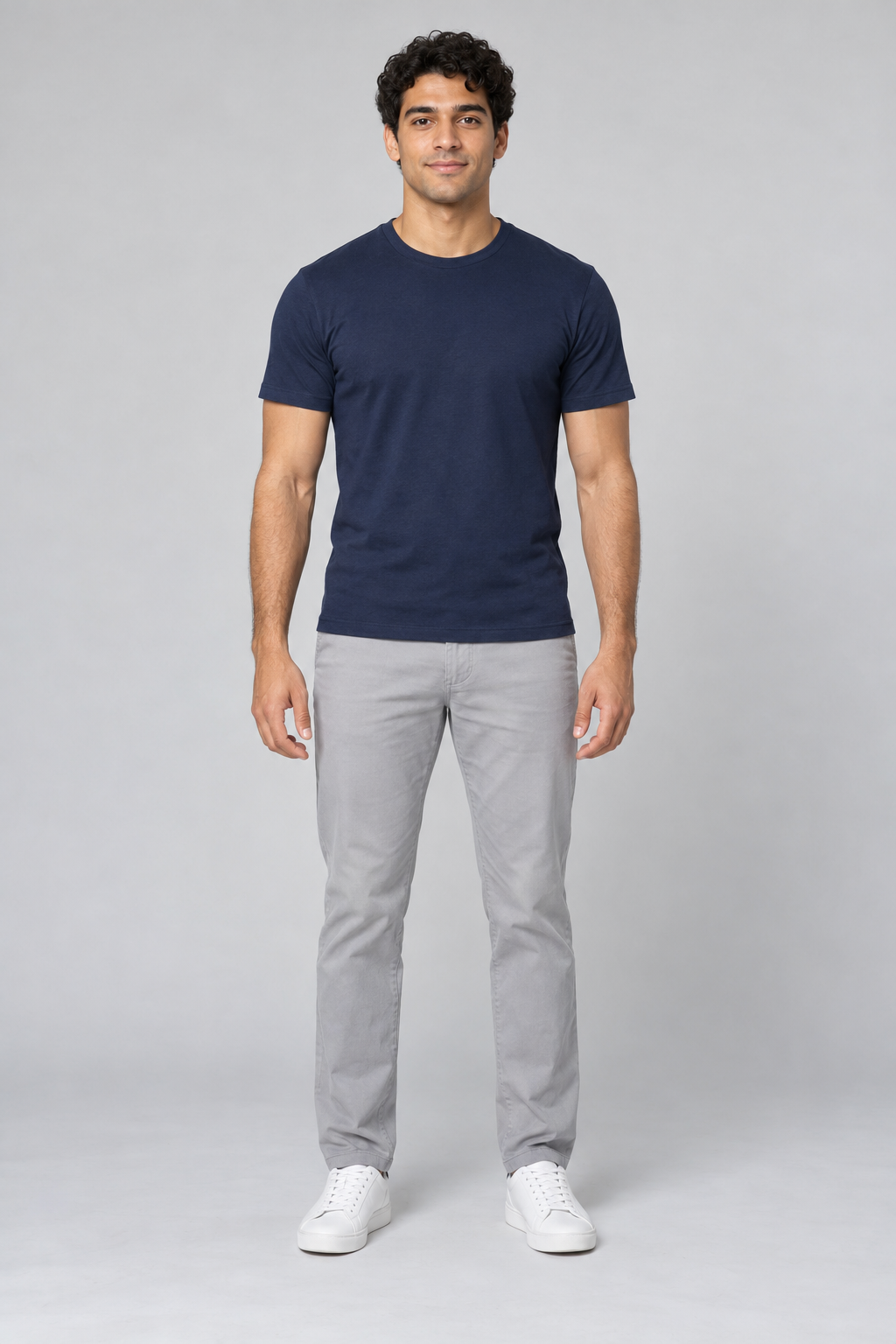
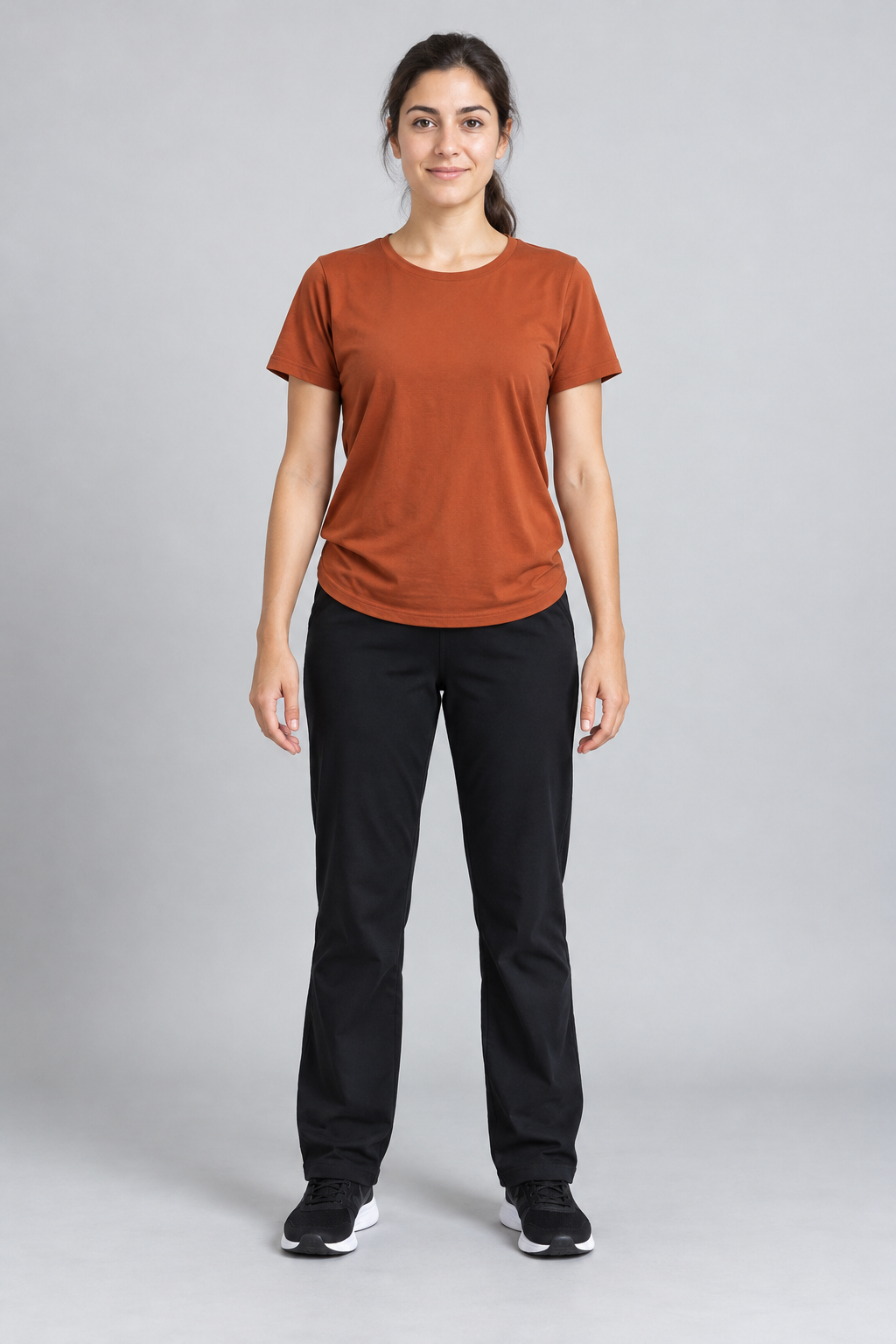
01 / CHOOSE TWO DANCERS
Two full-body photos. One 15-second NEON dance.
One person per photo, full body visible from head to shoes.
One person per photo, full body visible from head to shoes.
Use two different photos with clear faces and complete bodies. Photo 1 starts in front; photo 2 starts behind. Check both previews before continuing.
Watch and download your video on your private order page or use the link in your email. Only upload photos you have permission to use.
The A2O Lite NEON duet starts with one dancer in front and another behind, then moves through turns, head flicks, knee bends and a high kick. Create an AI version with two adult photos and music included. If you searched “A20 Lite Neon dance”, A2O uses the letter O.
Read about the dance →TWO PHOTOS TO ONE DUET
Upload one full-body photo per person. Photo 1 starts in front; photo 2 starts behind.
Confirm both photos and your email, then choose a one-time pack. No account or prompt is needed.
Payment confirmation starts generation. Return to your private order page or email link to download the MP4.
Use this generator when you want the NEON duet shown in the example with two people from your photos. Upload one full-body photo per adult; you do not need to film the dance, find a template or write a prompt.
Choose 1 video for $9.99, 3 for $24.99 or 10 for $69.99 USD. There is no subscription, and unused credits do not expire. A confirmed failed generation returns its credit; while processing, check your order before starting another video.
Return through your private order page or email link. Photos are kept for up to 7 days and finished videos for 30 days.
YOUR 15-SECOND DUET
These stages describe the NEON duet in order. AI creates a new performance, so the movement and timing can vary in your result.
The front dancer opens in a wide stance while the second dancer is mostly hidden behind. Photo 1 guides the opening front role; photo 2 guides the rear role.
The rear dancer steps into view and joins the duet. Back turns and quick head movements reveal the faces and hair from new angles.
The pair continue through low knee bends, a high kick and a turn before the closing hand gesture. Keep both people’s feet visible in your input photos.
Watch the whole example with sound. Check both faces during turns, the hands when bodies overlap, and the feet during the kick.
Watch the real generated example ↑YOUR TWO DANCERS
Use two different adult subjects, one per photo, facing the camera with feet in frame. Photo 1 maps to the opening front dancer and photo 2 to the dancer behind.
Good light, a simple background and distinct outfits help separate the two people. Avoid sunglasses, motion blur, group shots and heavy filters.
JPG, PNG or WebP, up to 10 MB each. Upload one adult per photo, with both people’s permission.
The two photos guide each dancer’s face, hair and clothes. Photo 1 starts in front and photo 2 behind; their positions change during the dance. Use different outfits to help distinguish them, but AI can still blend or change details.
Each video follows the NEON duet choreography. AI creates a new performance, so movement, background details and beat timing can vary. There are no custom dance, background or outfit controls.
Watch faces during turns, hair during quick movement, hands when bodies overlap and feet during kicks. Review the whole video with sound before sharing. If it is still processing, check your order before starting another version and using another credit.
Choose by the result you want: this specific two-photo duet, your own performance, an edit of existing media or a different AI scene.
Swipe the table sideways to compare all four methods.
| Compare | This NEON generator | Film the dance yourself | Editing template, e.g. CapCut | Your own AI prompt |
|---|---|---|---|---|
| What to prepare | Two full-body photos, one adult per photo | Two performers, a camera and space to dance | The photos or footage required by your selected template | Photos, instructions and any references the chosen model supports |
| Dance and control | The shown NEON duet; photo 1 starts in front, photo 2 behind. No custom choreography or background options. | Choose the performance, setting, outfits and camera work | Preset edits; the elements you can change depend on the template | More room to experiment; results depend on the model, references and prompt |
| Music and editing | Music is included in the MP4 | Record or add audio you can use and align it yourself | Check the selected template’s music and editing options | Audio support varies; separate editing may be needed |
| Output | 15 seconds · vertical 9:16 · 720p MP4 with music | Set by your recording and export settings | Check the template and export settings | Check the model’s duration, format and resolution limits |
| Choose it when | You want this duet with your two photos and music already added | You want to perform the dance and control the shoot | You want to arrange existing photos or clips with preset edits | You want to try a different dance, scene or set of instructions |
Template features vary. Check what you can edit and export before starting. CapCut’s template guide ↗
Keep your order link private and download a local copy within 30 days. Unused paid credits do not expire. If a link expires, contact support from the email used at checkout.
Privacy and storage details →FROM DOWNLOAD TO YOUR POST
Yes. You can upload your downloaded MP4 to TikTok, Reels or Shorts, following each platform’s music and AI-content rules.
Download from your private order page or email link and keep a local copy. The file is 15 seconds, vertical 9:16 and 720p with music included. Keep both dancers visible in the full vertical frame when editing your post.
Review the whole clip before posting. Check turns, hair, overlapping limbs and the kick. If playback is silent, turn on the player’s sound and check your device volume. Listen for the beat as well as watching the faces.
Included audio does not grant a music license. Check permission for your use, especially ads or commercial posts, and replace the track if needed. Add AI labels where the platform requires them.
TikTok’s AI-content labeling guidance ↗
Read the preparation, generation and sharing guide →PAY ONCE. DANCE TOGETHER.
Every credit makes one new 15-second, 9:16, 720p MP4 with music, from two photos. No subscription or account.
$9.99 per video
$8.33 per video
$7.00 per video
This two-dancer NEON routine is also listed as Neon Duet Dance on AI Effect Studio, a collection of trending AI video effects. Go there when you want this duet and other viral dance and video effects in one place.
BEFORE YOU MAKE IT
Upload two clear full-body photos of adults: photo 1 is the dancer at the front at the start, and photo 2 is the dancer behind. Enter your email and choose a pack. Generation starts after payment is confirmed; no account or prompt is needed.
Use one adult per photo, facing the camera, with the entire body and feet visible. Choose good light and uncluttered backgrounds. Avoid group photos, hidden faces, heavy filters and cropped limbs. Upload only photos you are allowed to use.
The photos guide each dancer’s appearance in the NEON duet. AI can change faces, hair, hands and outfits, especially during turns or when dancers overlap. Positions refer to the opening frame, not a promise that a person stays in front throughout.
Paid videos are 15-second, vertical 9:16, 720p MP4 files with music included. AI motion and beat alignment can vary.
Examples and guides are free to view. Personal generation costs $9.99 for 1 video, $24.99 for 3 or $69.99 for 10, in USD. There is no subscription or free personal preview. Each new video uses one credit, including another version from the same photos.
Time depends on the queue and generation. There is no guaranteed completion time. After payment is confirmed, processing continues if you close the page. Check your private order page and the delivery email.
Use the order saved in this browser or your email link. Anyone with that link can access the order, so keep it private. Finished videos remain for 30 days; email links last 30 days from issue. Unused paid credits do not expire. Contact support from your checkout email if access expires.
A confirmed generation failure returns that attempt’s credit once so you can retry. A result still under review is not yet a confirmed failure. A returned credit is not an automatic cash refund. Contact support with your order reference for refund requests.
Your two photos are used to generate the video and are not automatically made public. Photos remain in our storage for up to 7 days; browser drafts expire after 24 hours. Service providers process your data under their own retention terms; see our privacy policy for details.
Download the MP4 and check both dancers and the full soundtrack before sharing. You upload it yourself. Follow the destination platform’s audio and AI-labeling rules. The service fee does not include licenses for third-party music, choreography, footage or likenesses.
Choose English, Simplified Chinese, Japanese or Korean before checkout. The order and delivery emails use the language selected when you place the order.
Understand the duet, the A2O/A20 spelling and what an AI version changes.
02 ↗Choose two photos, assign the opening positions and receive your video.
03 ↗A duet prompt and tips for faces, hair, clothing and overlapping dancers.